Project tools
Project tools
The tools around a design: past runs and their comparison, the library of makes and clauses, DXF import, project files and help.
Capabilities
Runs, library and files
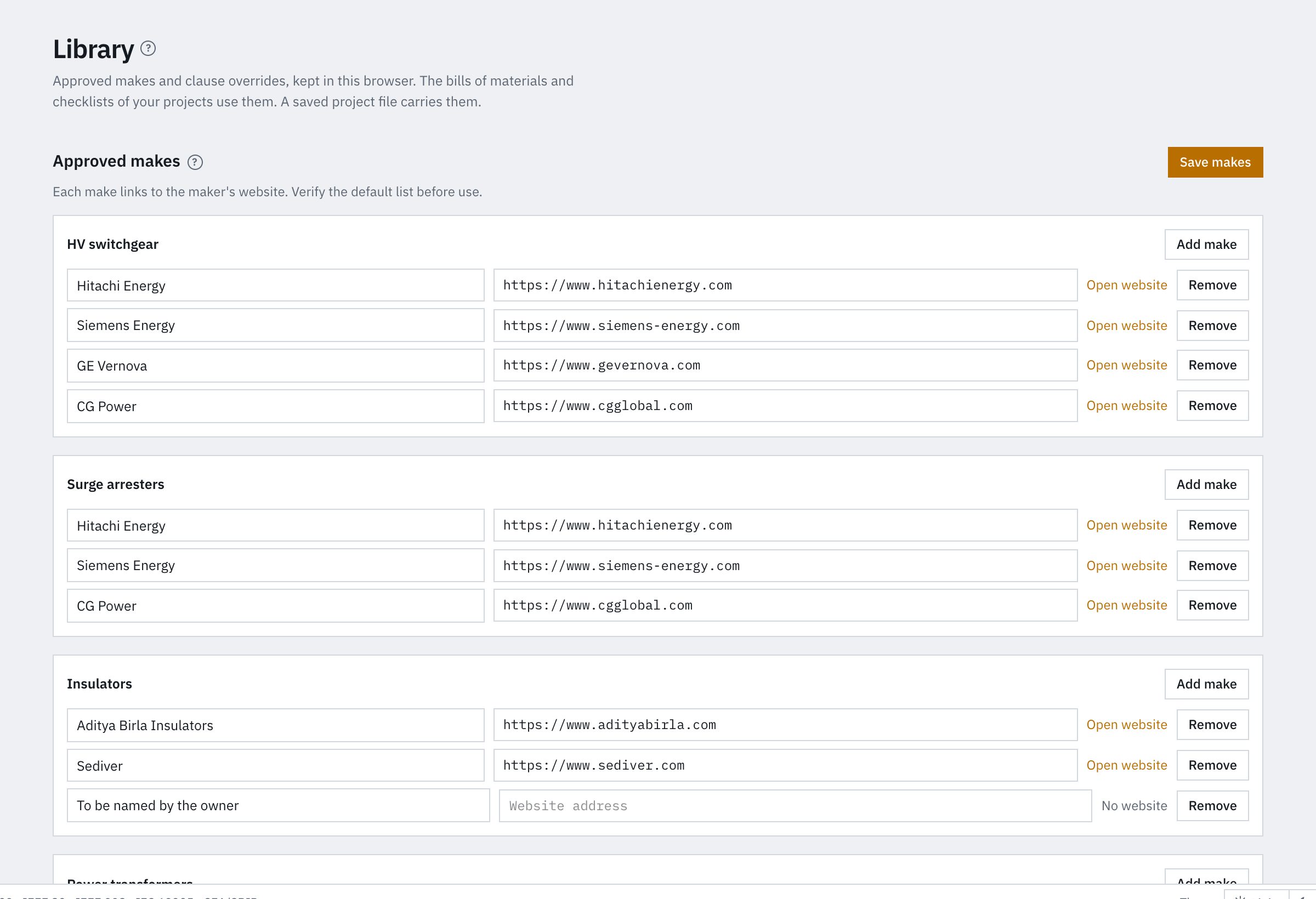
Past runs stay readable and can be compared. The library applies your approved makes and clause references to the documents.
Tools
- Run history with read-only past runs and a comparison of 2 runs
- Library of approved makes and clause references, applied to the BOM and the checklist
- DXF import into the sheets for existing drawings
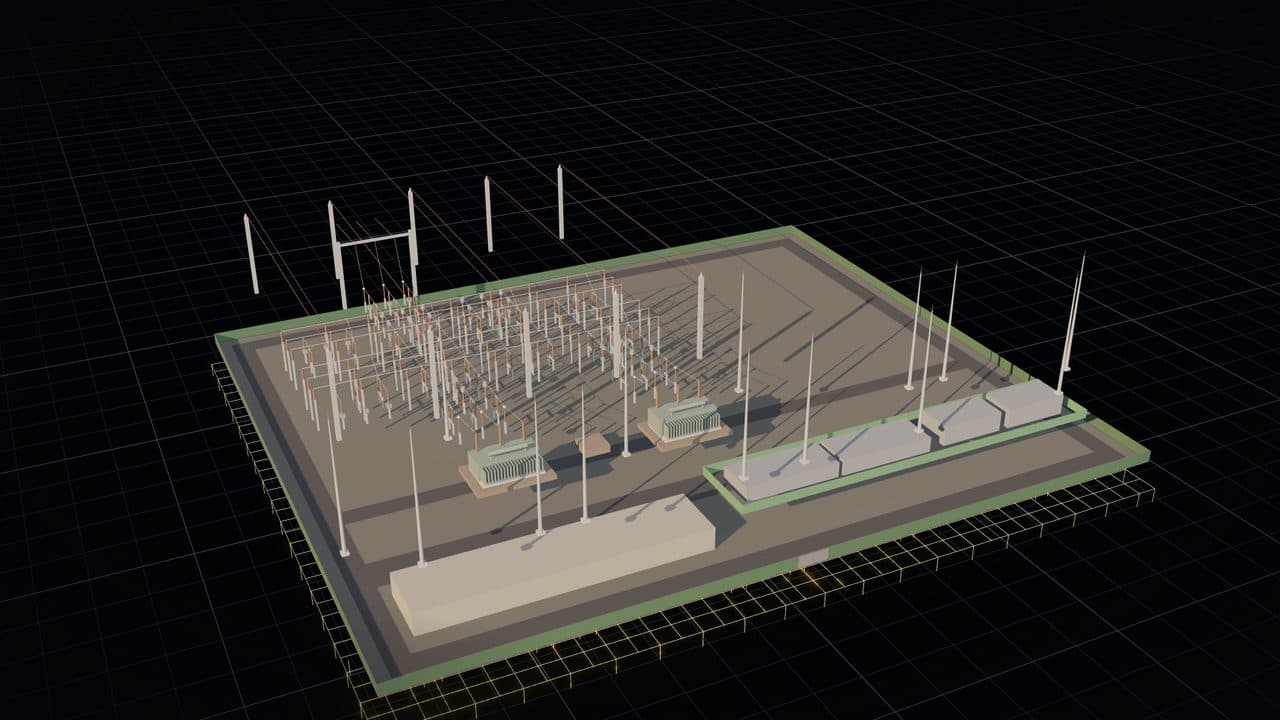
- Selection linked across the SLD, the yard layout, the 3D model and the BOM
- 3D section plane, plan view and sun position from the site coordinates
- Project files (.sslayout) to save, share and open projects
- Help topics on the inputs, metrics and calculation steps
Design workspace
Runs and library
Screens of the run history and the library in the design workspace.