Edits and revisions
Drawing edits and revisions
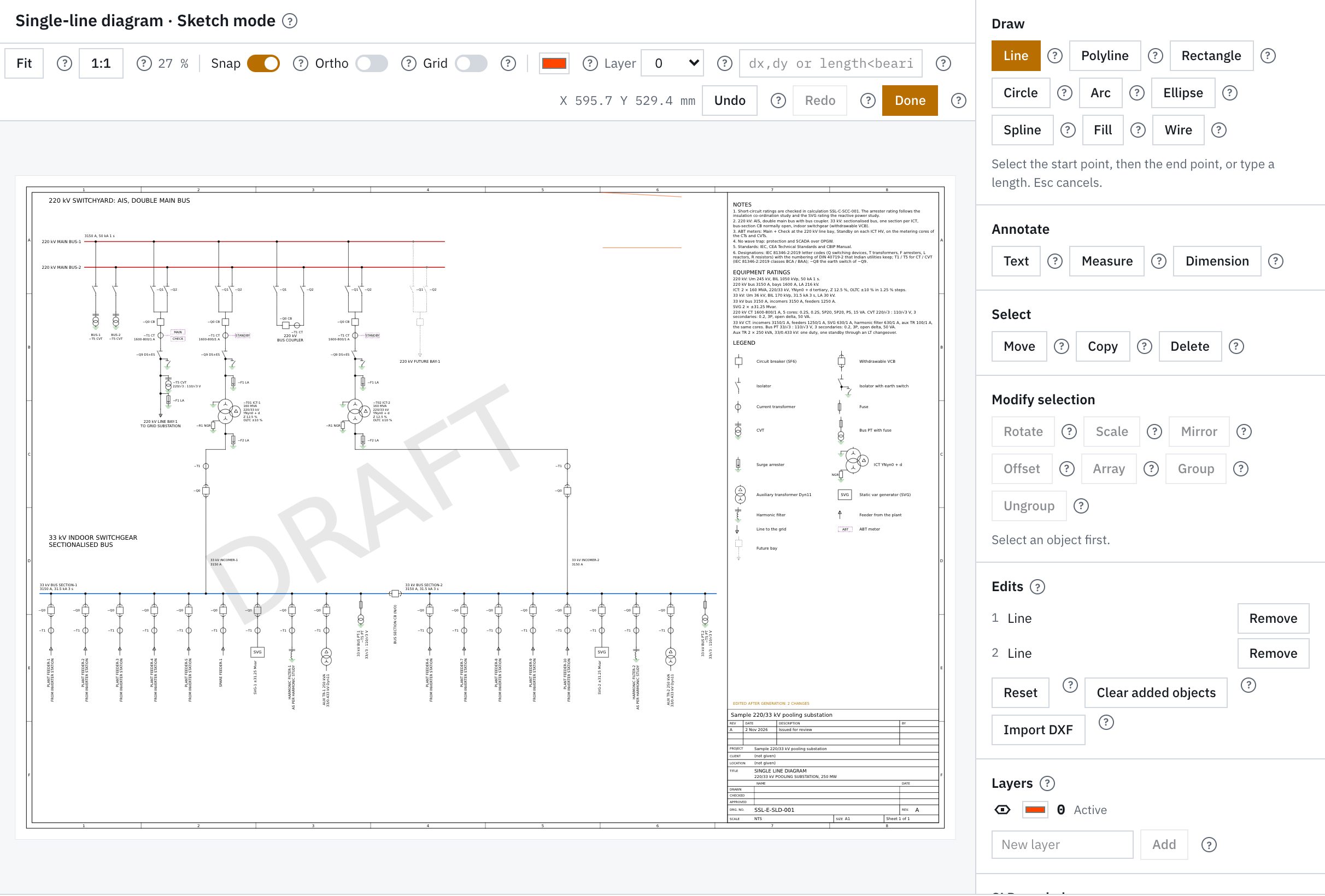
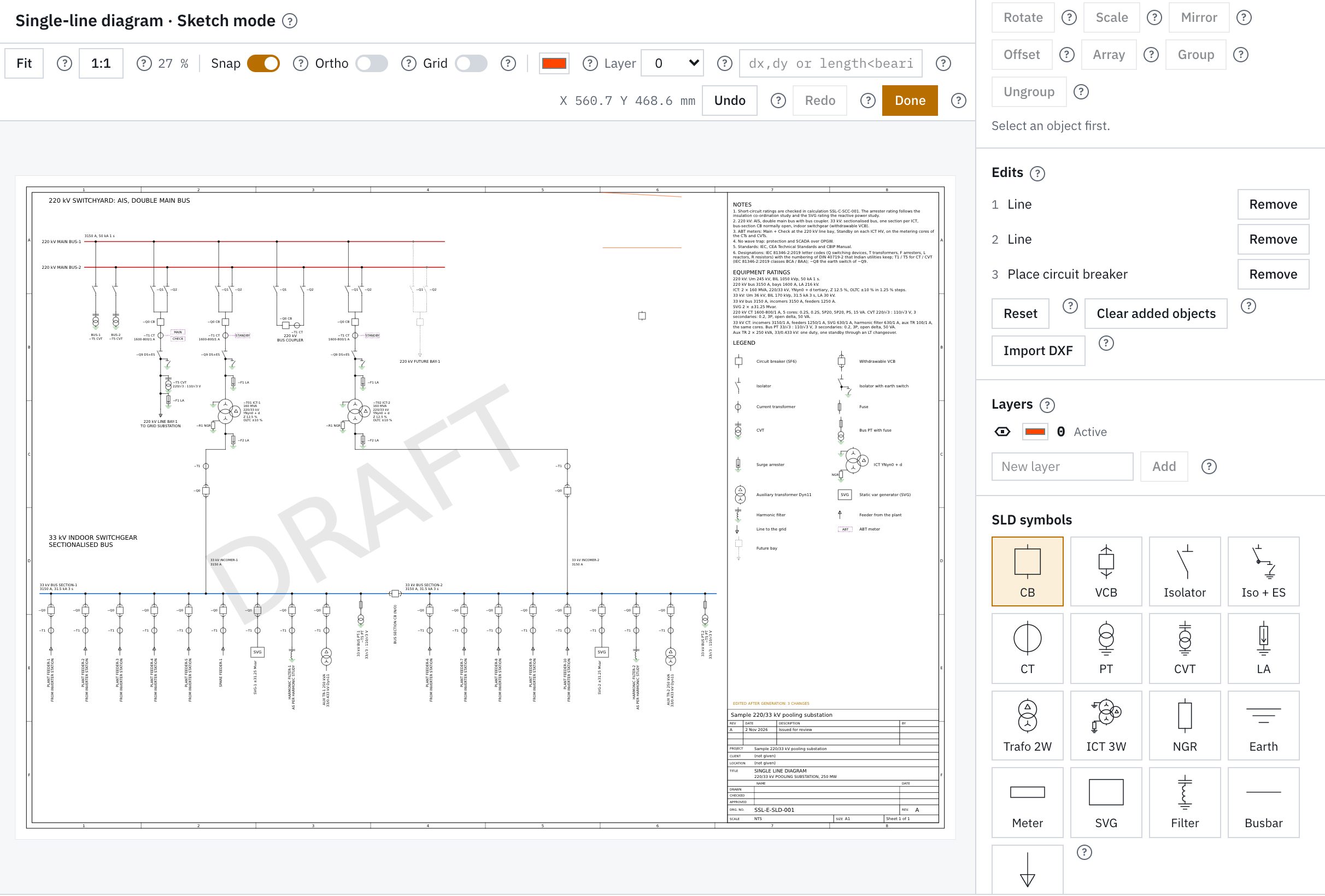
Sketch mode edits the generated sheets. Edits are stored per object and applied after each design run. An issue stores its inputs, run and documents.
Capabilities
Sketch mode and revisions
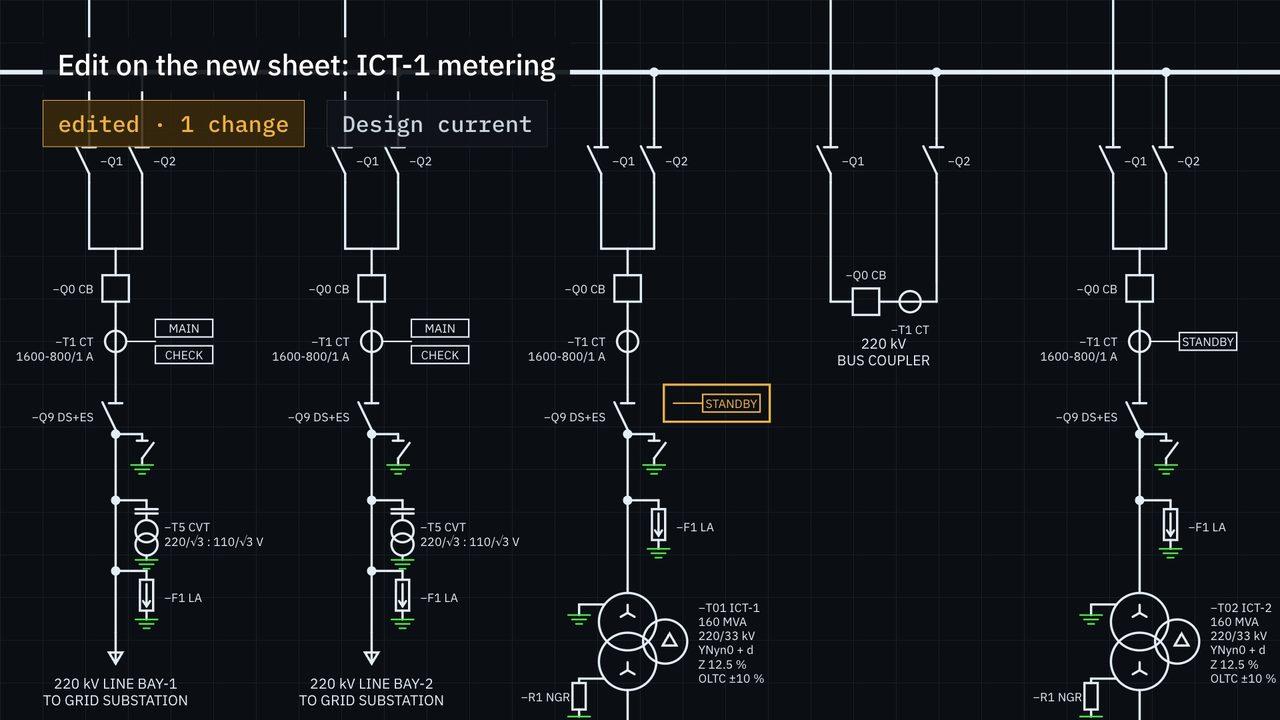
Edits are stored per object and applied after each design run. An edit whose object is not on the run is listed, so that you can remove it.
Sketch mode
- Sketch mode on the sheets: move, line, text, offset and library symbols
- Edits stored per object and applied after each design run
- An edit is marked when its object is not on the run
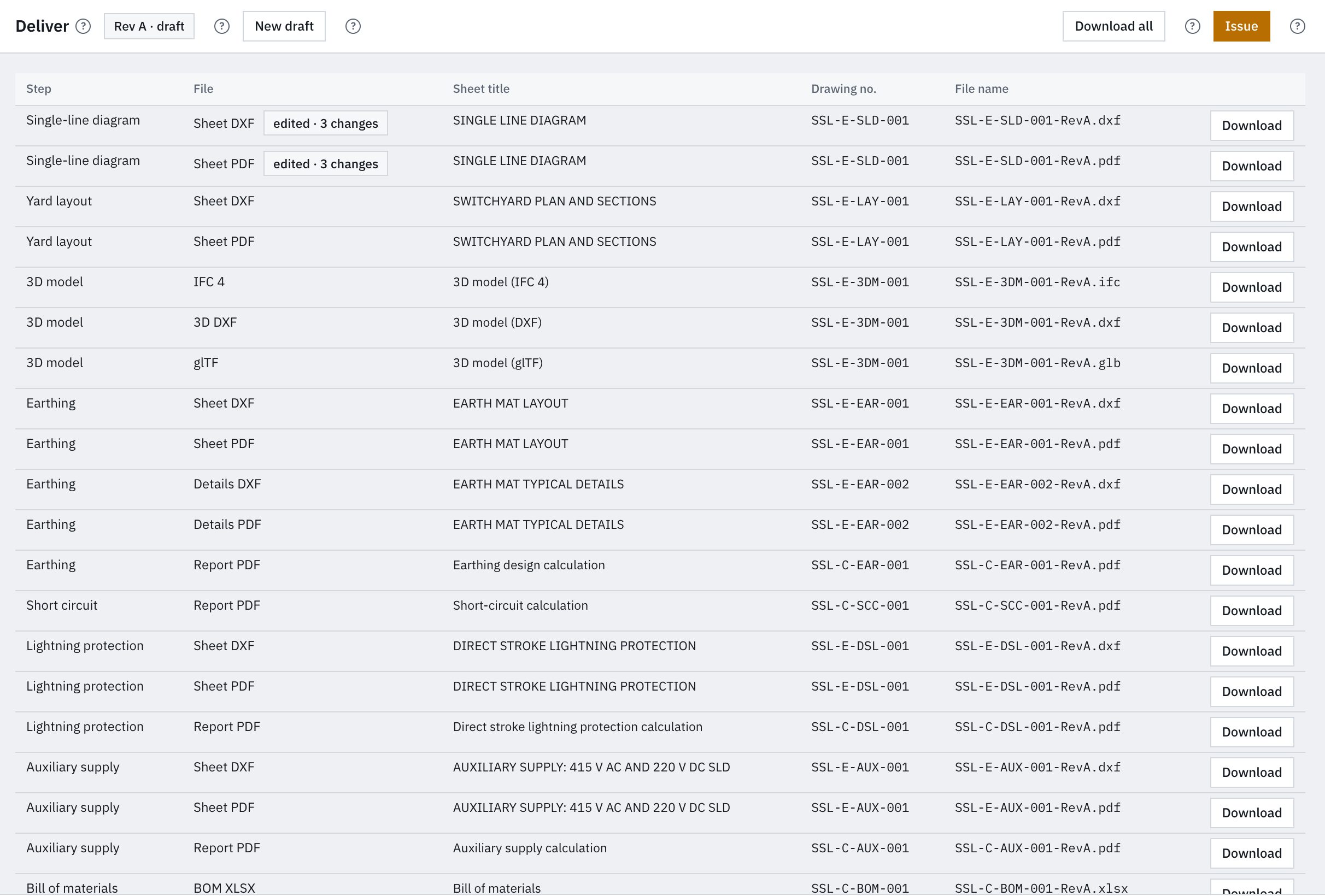
- Your edits in the DXF and PDF exports
Revisions
- Draft revisions lettered A, B, C. Issued revisions numbered 0, 1, 2
- Inputs, design run and document package stored per issued revision
- Title block and revision table per sheet
- Document package as one ZIP
Design workspace
Sketch mode and issue
Screens of a sheet in sketch mode and of the documents of a design run.